Features
What Reload OS does
Everything here is the system itself: every product built on Reload OS has it, on every board that has the hardware for it. Items marked Next release are in the system now and come with the release after 1.4.0.
Shell and screen
- Status bar, a launcher ordered by drag and drop, quick settings
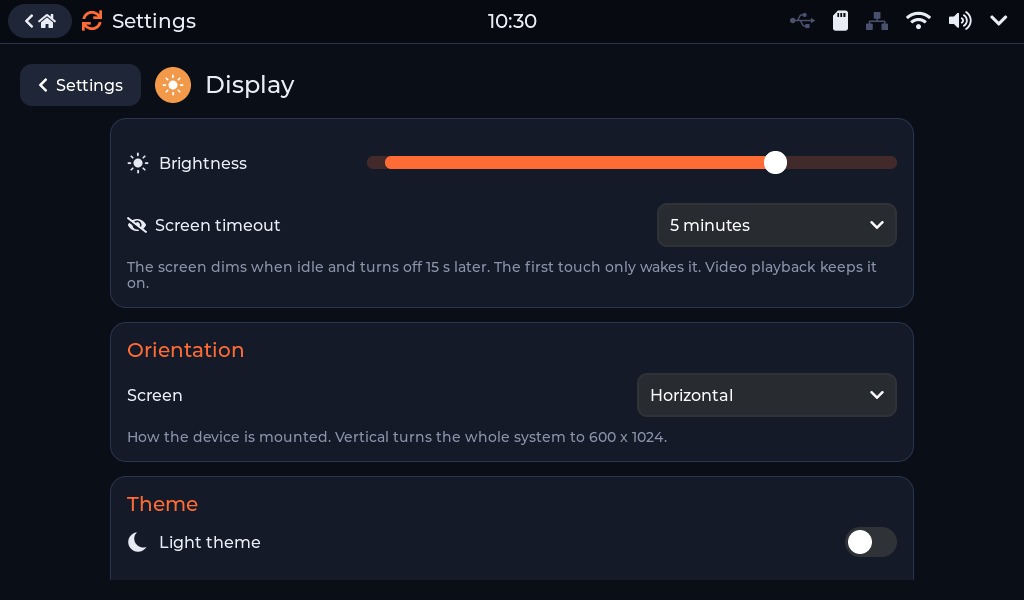
- Dark and light themes; mounted horizontal or vertical, turned in Settings without a restart Next release
- One on-screen keyboard for the whole system: big keys, a digit row, the pressed key enlarged; Thai (Kedmanee) beside English Next release
- Thai fonts, brightness, screen timeout, a boot splash
- An auto start app: the device opens its app by itself
Apps
- Settings - every setting of the device in one app
- Files - text, pictures, MJPEG / AVI video, MP3 / WAV sound and the system log; copy and move between drives
- Web - a web page rendered by Chrome on a server, shown and used on the kiosk Next release
- Tools in Settings - Camera, serial Monitor, sound Recorder, Thai ID Card
- Apps from the flash drive and the SD card, loaded when they are opened - write your own
Networking
- Wi-Fi and Bluetooth LE - through an ESP32-C6 co-processor on the ESP32-P4 boards, the chip's own on the ESP32-S3 boards
- Ethernet with DHCP or a fixed IPv4 address
- Hotspot: the device as an access point, sharing its Ethernet or Wi-Fi internet
- The time from the network (NTP), kept through power-off by a battery clock where the board has one
USB and devices
- USB host: flash drives, keyboards and barcode / QR scanners, mice, serial adapters (CH34x, CP210x, FTDI, CDC-ACM), UVC webcams, smart-card readers, printers
- Printing: ESC/POS receipt printers - with Thai text and QR codes -, PCL, PostScript, ZPL and TSPL
- The device as a USB drive for a PC: its SD card, its flash drive, a RAM disk, and a USB stick plugged into the device Next release
- Camera, speaker (tones, WAV, MP3) and microphone recording
Identity and data
- Thai national ID card: the number, names, address and photo - through a USB card reader or a card socket on the board
- A MySQL client: an app sends its data straight into a database
- QR and barcode scanners that type like a USB keyboard: each scan handed to the app
Managed from a browser
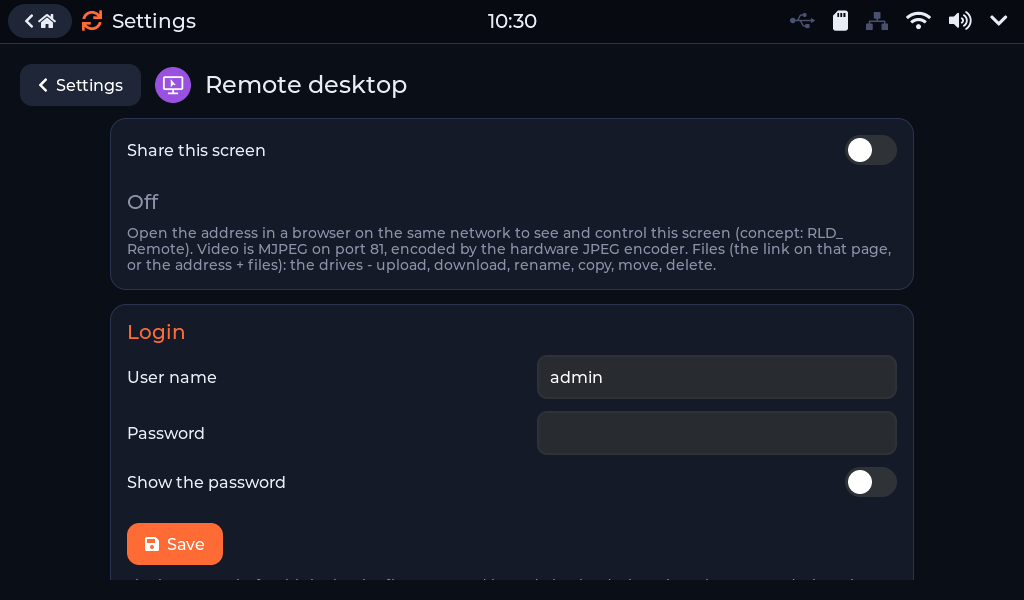
- Remote desktop: see and drive the screen from a browser, with a login
- File manager: upload, download, copy, move and delete on every drive
- The device's settings and each app's settings as web forms, light enough for a slow network Next release
- Firmware update from the SD card or uploaded over the network; Check online for the newest firmware of the board Next release
- The device's health over the network: restarts, crashes, the last crash
Built to run unattended
- Firmware updates with rollback: an image that does not come up is replaced by the one before
- Restart and crash counters and the last crash, in Settings › About and over the network
- Safe mode: after three crashes in a row the auto start app is not opened
- A screen that stops for 60 seconds restarts the device; a touch controller that stops answering is reset and found again
- A firmware file made for another board is refused
- Memory and every task's stack in the log every 10 minutes Next release
For the production line
- Factory test in Settings › About: every part of the board checked, four tests with the operator, a report on the SD card named after the device's MAC
- Release files with checksums: a factory image per board for a new device, an update file for a device in use
- One version number for everything: the boot screen, Settings › About, the update dialog and the file names
Free to try, activated per device
- Until it is activated, the screen shows "Reload OS - Not activated"
- Activate on the device: one payment per device by PromptPay QR, in Settings › About › License
- Or a signed license file from Reloader on the SD card
Settings that fit the screen
Connections, the device and the tools on one page; every page laid out for the board's screen, both ways round.
- Wi-Fi, Ethernet, Hotspot, Bluetooth, Remote desktop
- Display, Sound, Storage, USB, Date & time, About
- Camera, Monitor, Recorder, ID Card, Web
The screen in a browser
Switch on the remote desktop, give it a login, and drive the kiosk from any browser on the network - with a file manager for its drives beside it.